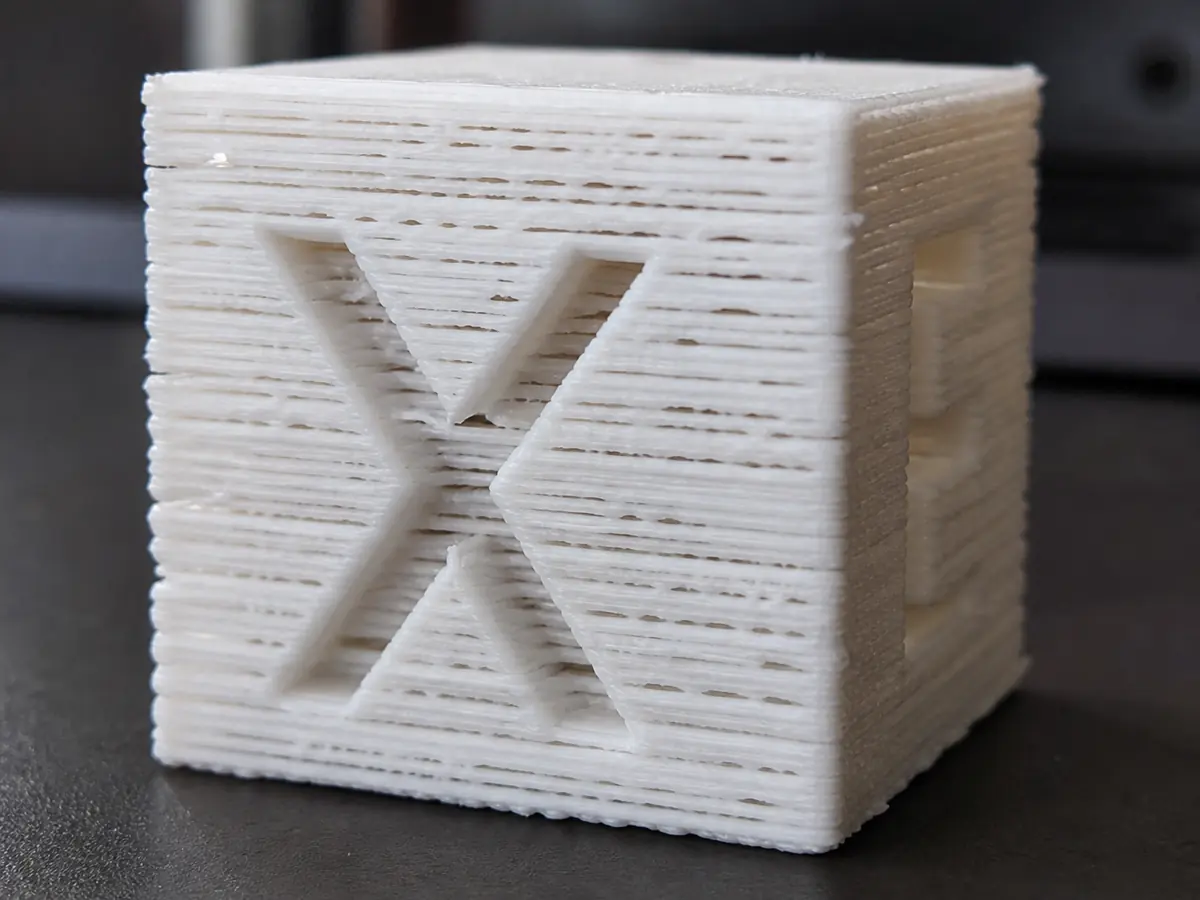
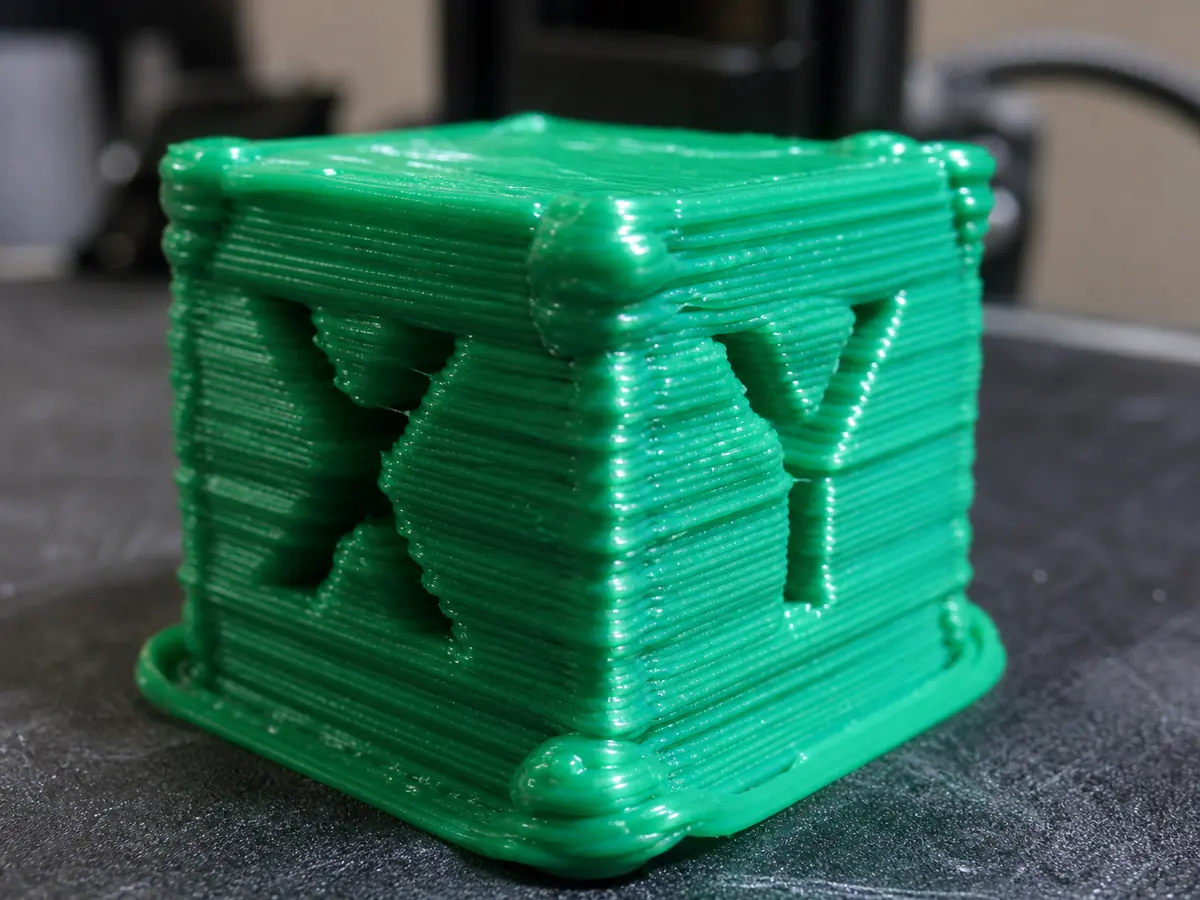
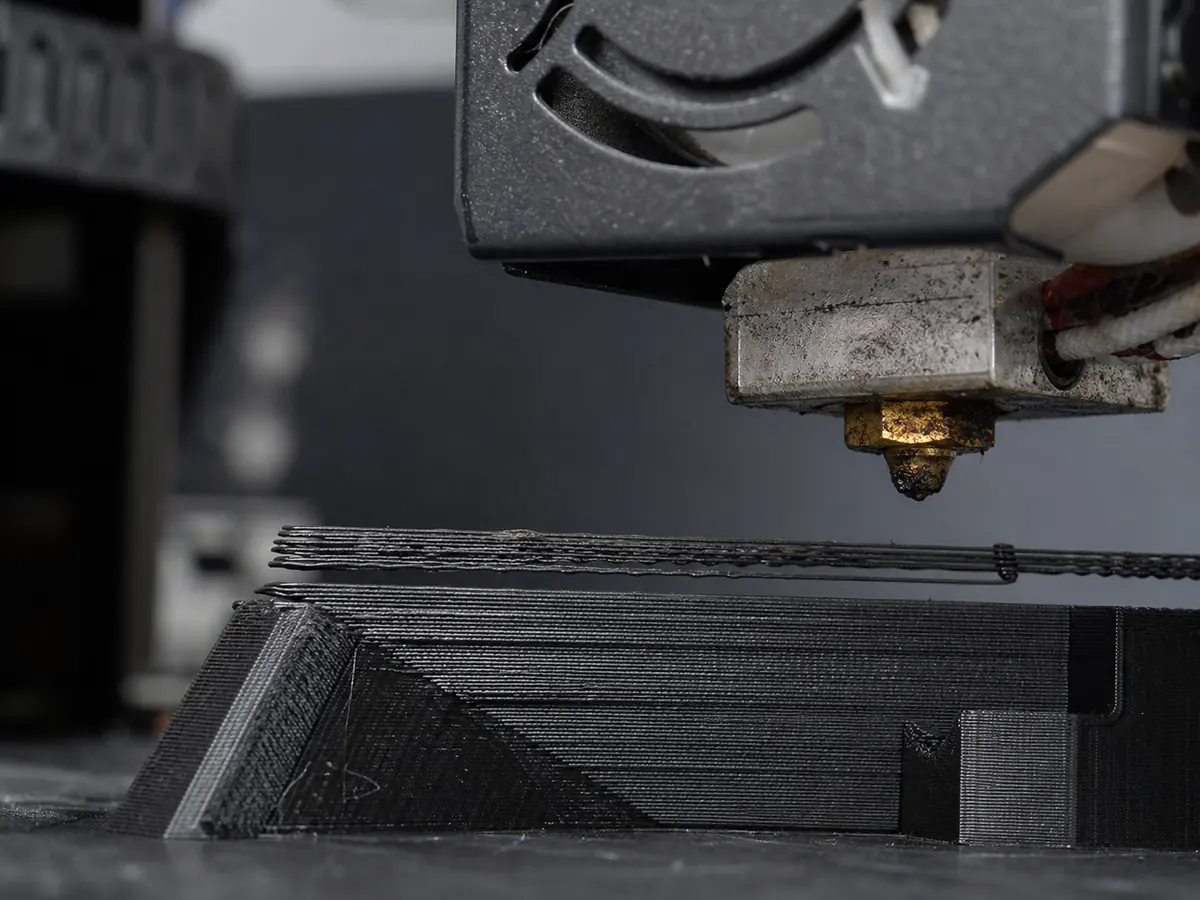
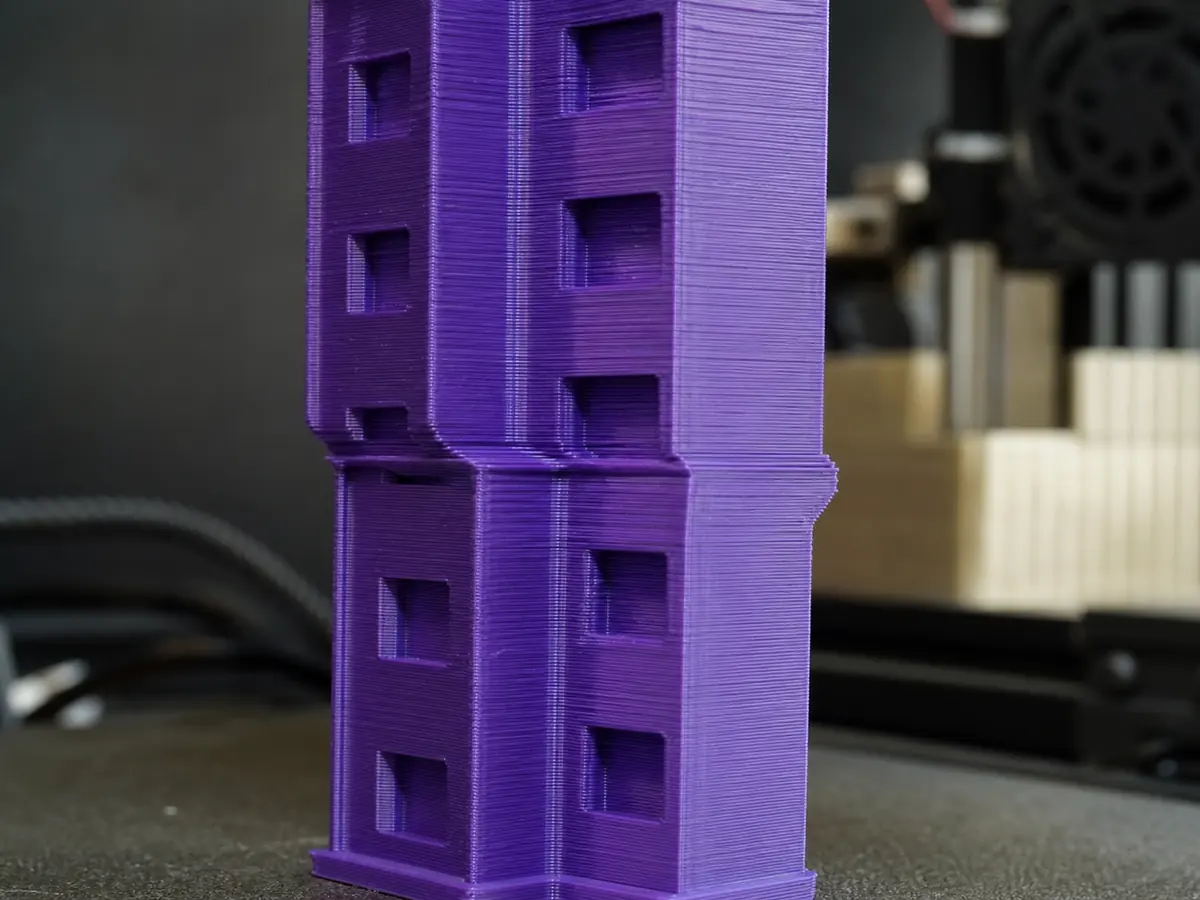
Easy to print, heat-sensitive, and usually best with strong part cooling.
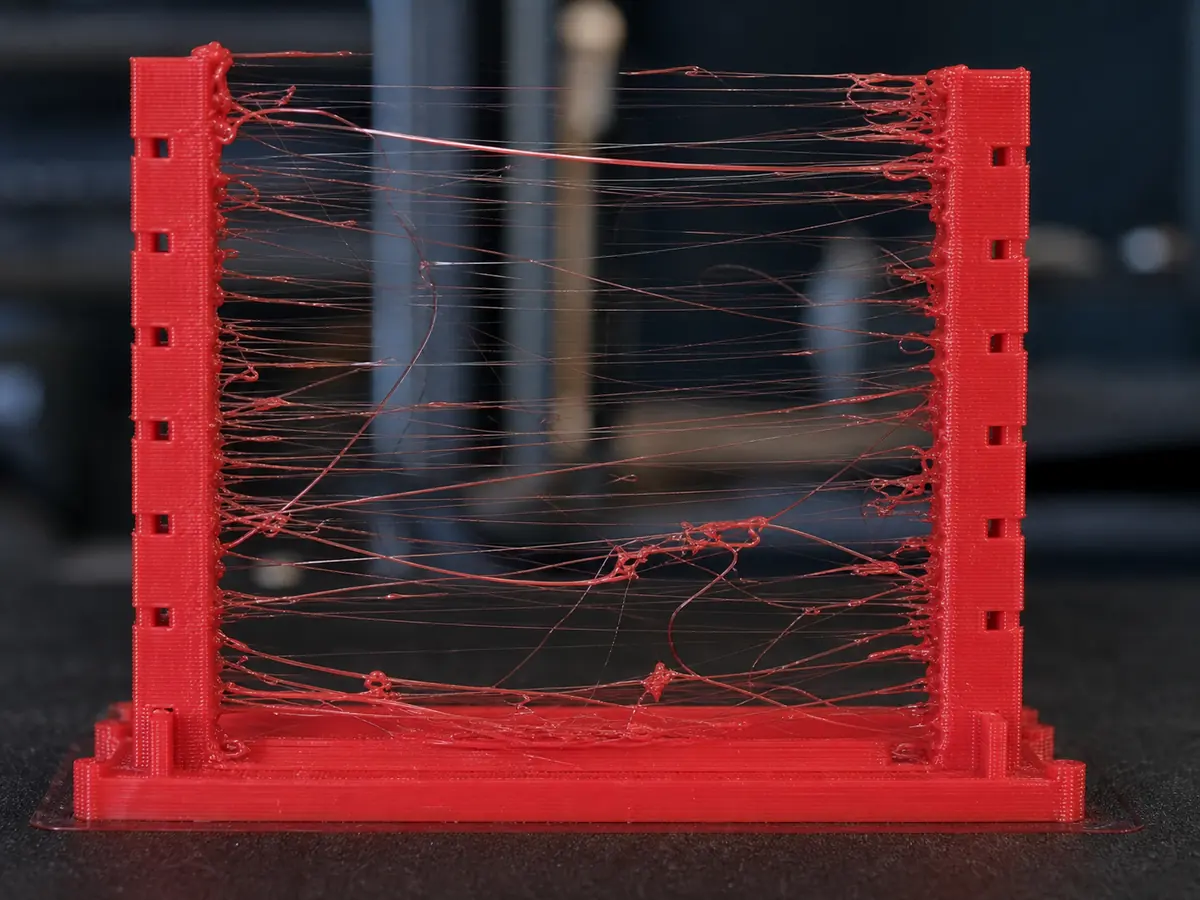
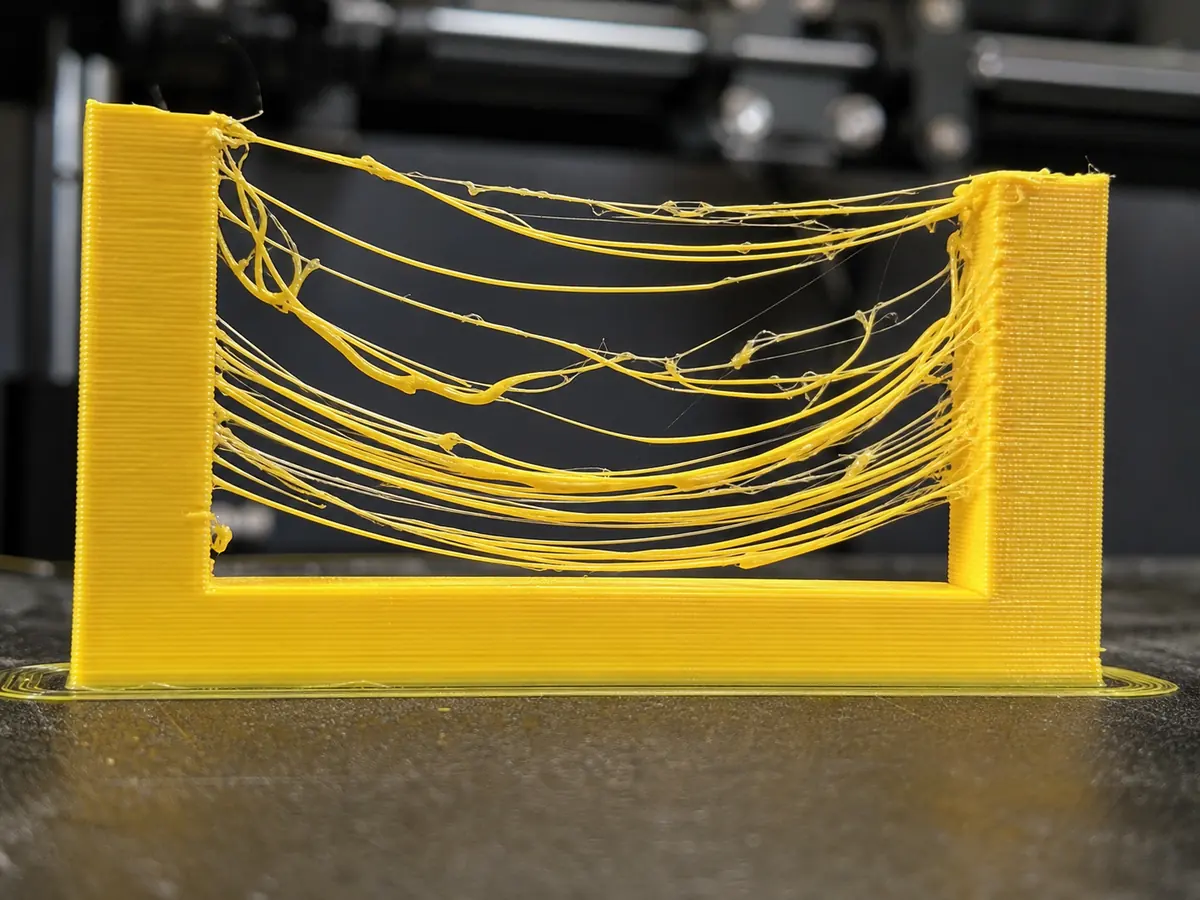
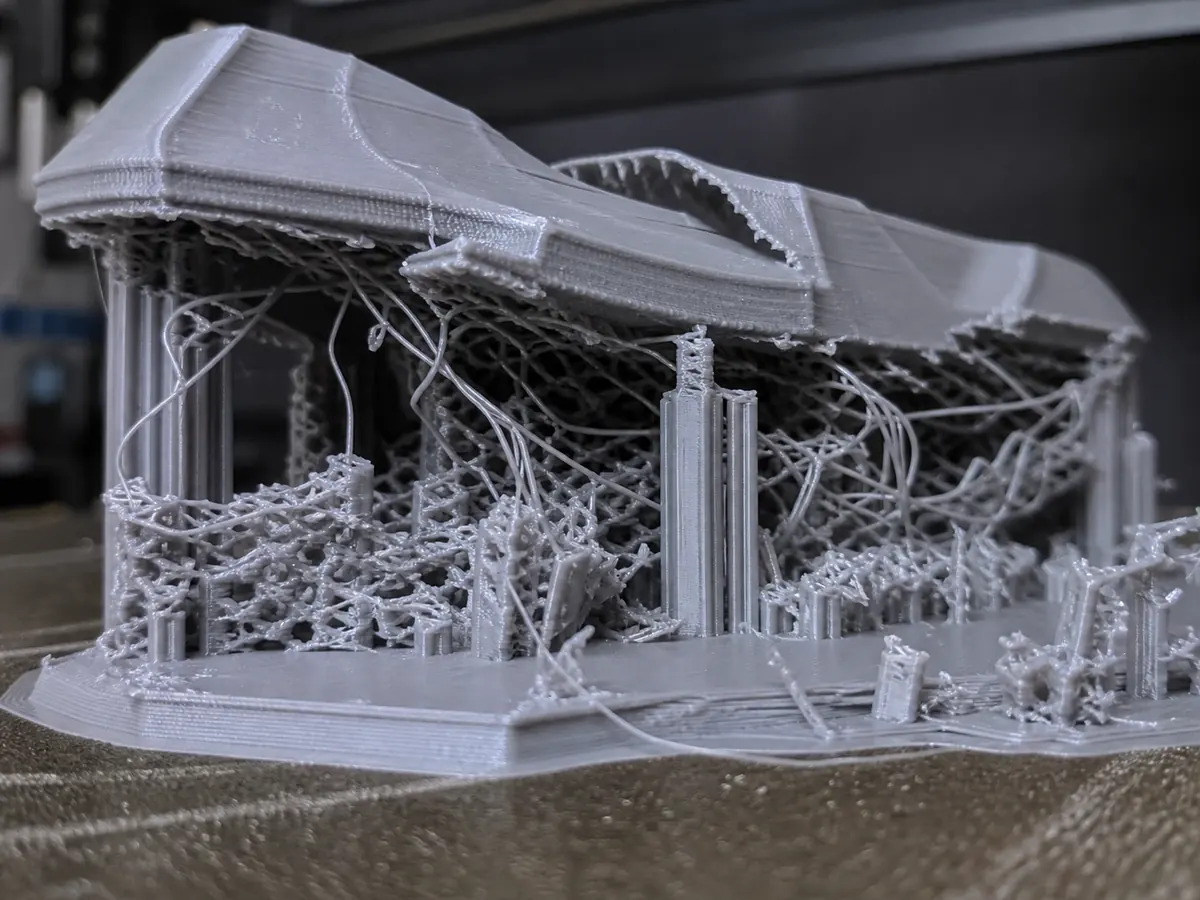
Thin strands of plastic appear between separate parts of the model, especially during travel moves.
Also searched as: stringing / hairy print / spider webs
PLAPETGTPU
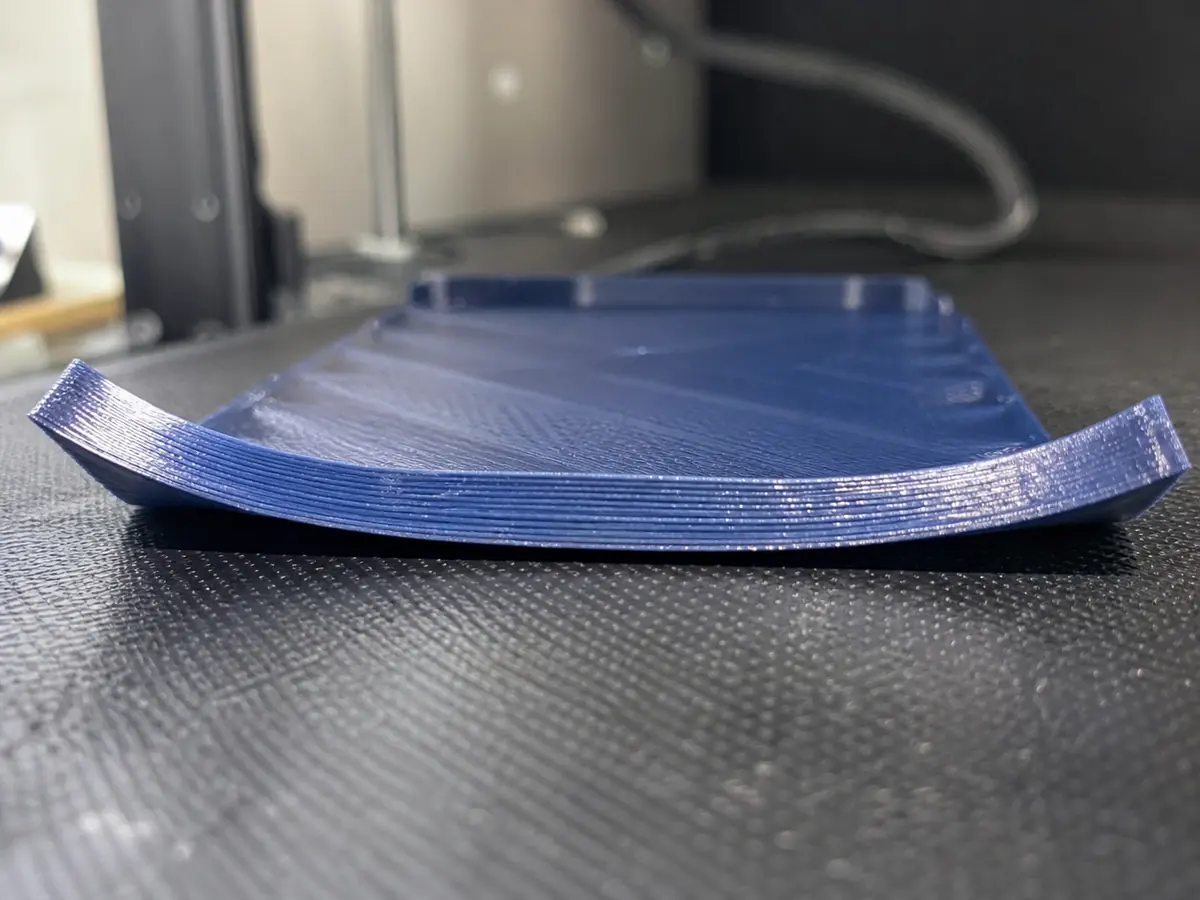
Corners or edges lift from the build plate as the print cools, often ruining dimensional accuracy.
Also searched as: warping / corners lifting / print peeling
PLAPETGABSASA
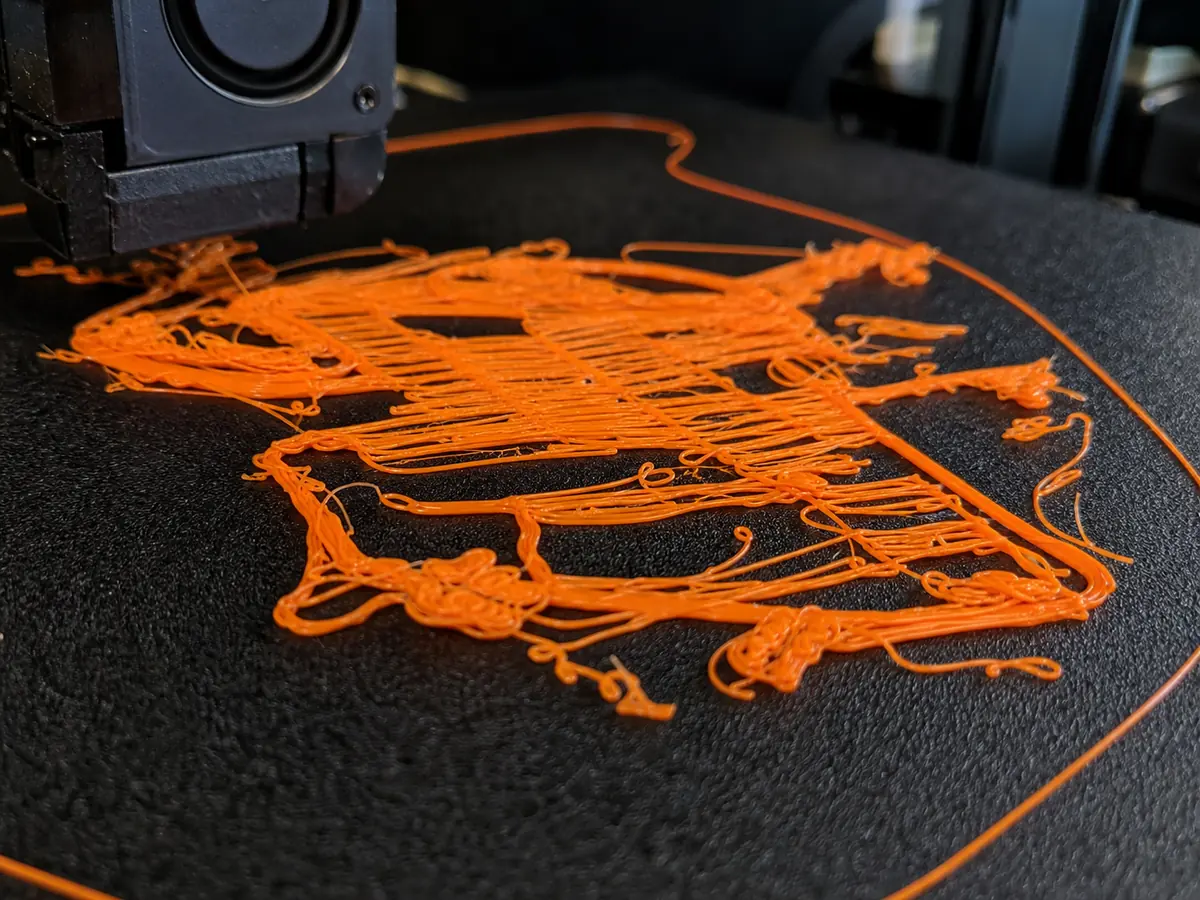
The first layer will not bond to the build plate, or the whole print releases during the job.
Also searched as: first layer not sticking / not sticking to bed / filament dragging
PLAPETGTPUABSASA
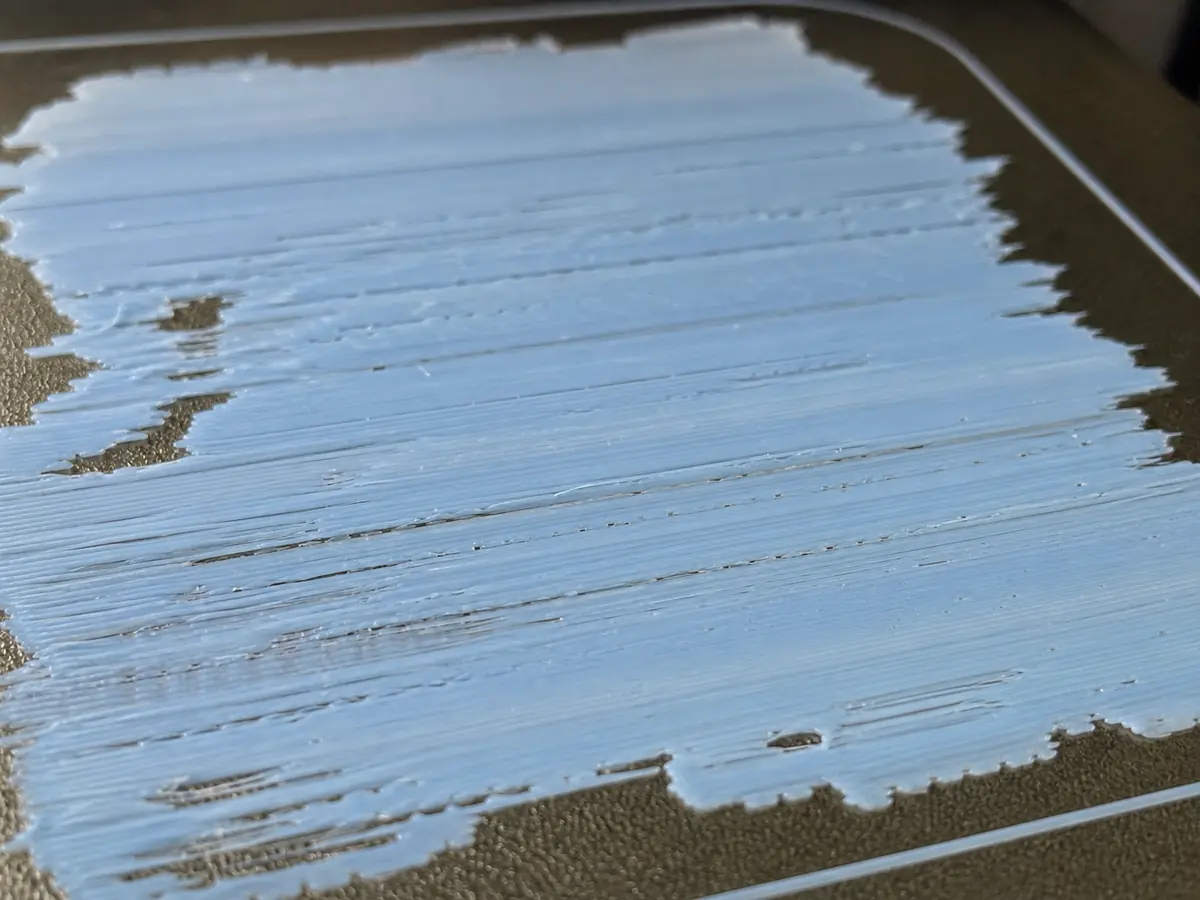
The first layer is over-squished, rough, transparent, or scraped by the nozzle.
Also searched as: first layer too thin / nozzle scraping / transparent first layer
PLAPETGTPUABSASA
Printed lines look thin or incomplete, with gaps in walls, sparse top surfaces, or weak layers.
Also searched as: under extrusion / gaps / thin lines
PLAPETGTPUABSASA
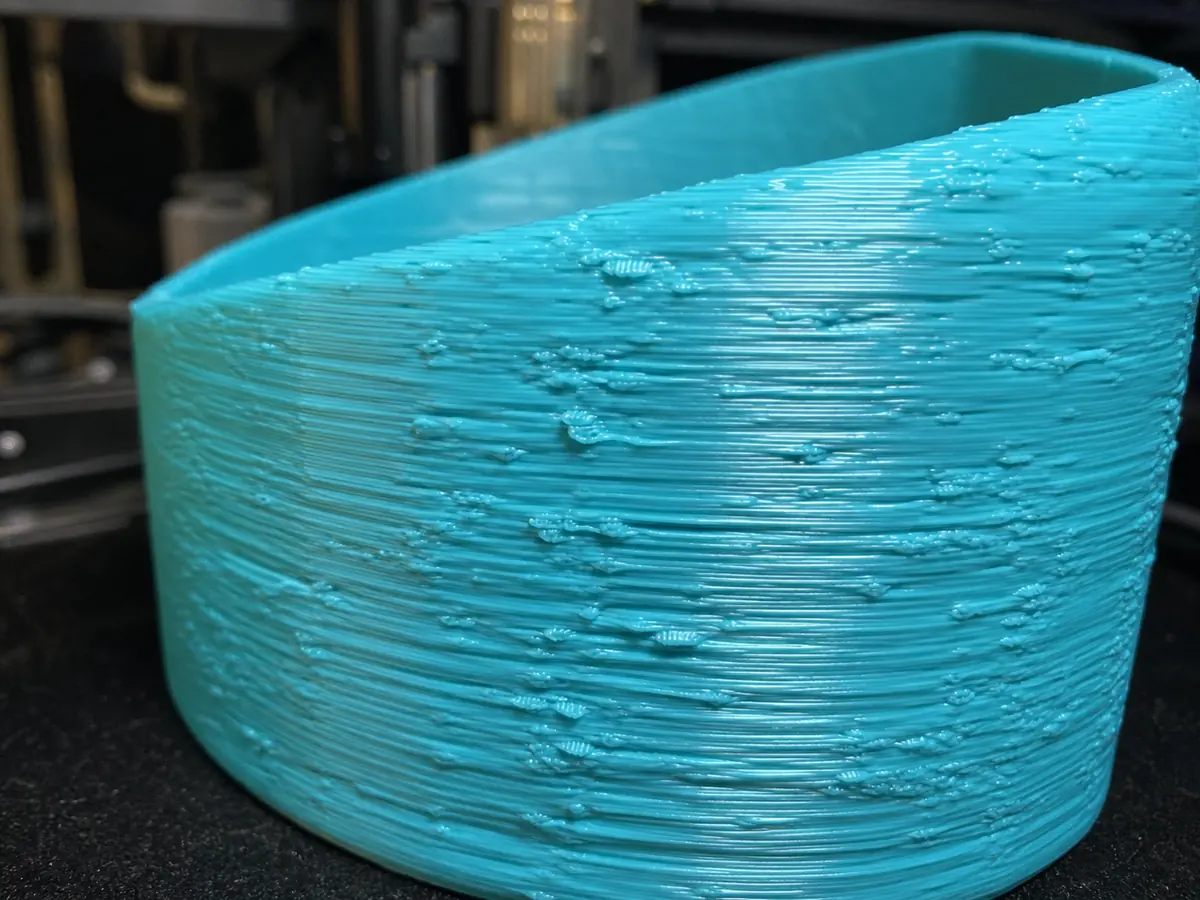
Too much plastic is deposited, causing swollen lines, rough walls, blobs, and poor dimensional accuracy.
Also searched as: over extrusion / blobs / bulging lines
PLAPETGTPUABSASA
Filament stops extruding or comes out weakly even though the extruder is trying to feed.
Also searched as: clogged nozzle / clog / jammed nozzle
PLAPETGTPUABSASA
Upper layers suddenly shift in X or Y, creating a stepped print.
Also searched as: layer shift / shifted layers / print moved sideways
PLAPETGTPUABSASA
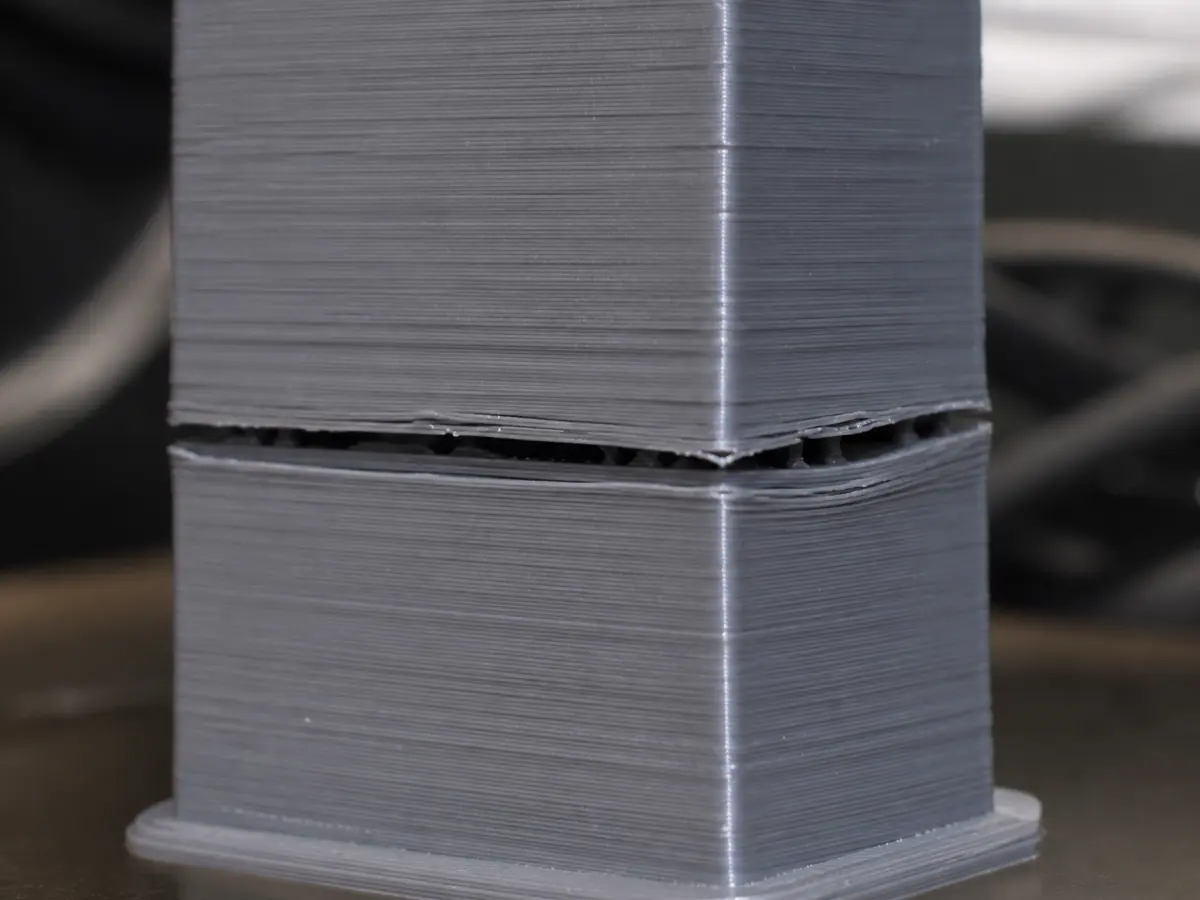
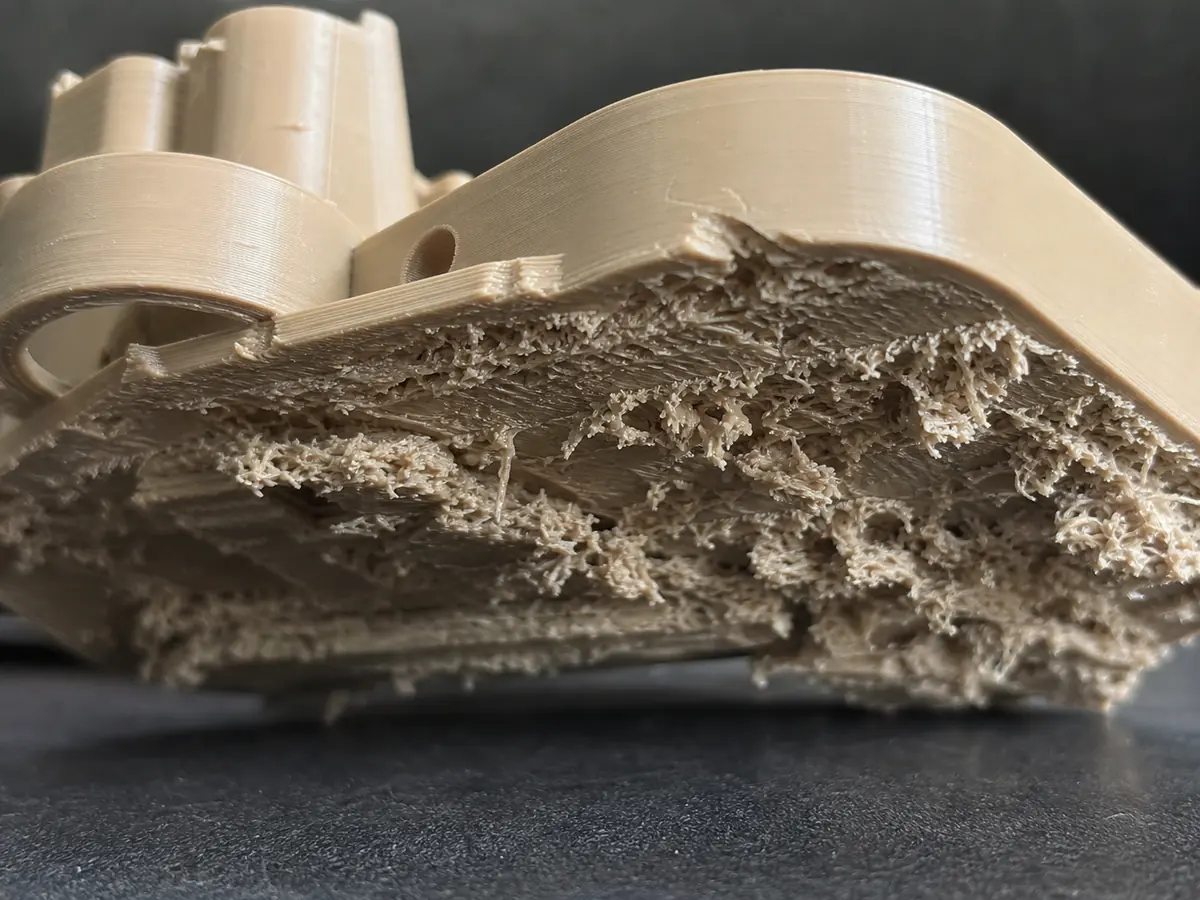
Layers split apart or crack along layer lines, leaving the part weak or visibly separated.
Also searched as: delamination / layer separation / cracking
PETGABSASAPLA
Plastic sags or droops when printing across open gaps without support.
Also searched as: bad bridges / bridging sag / drooping bridge
PLAPETGABSASA
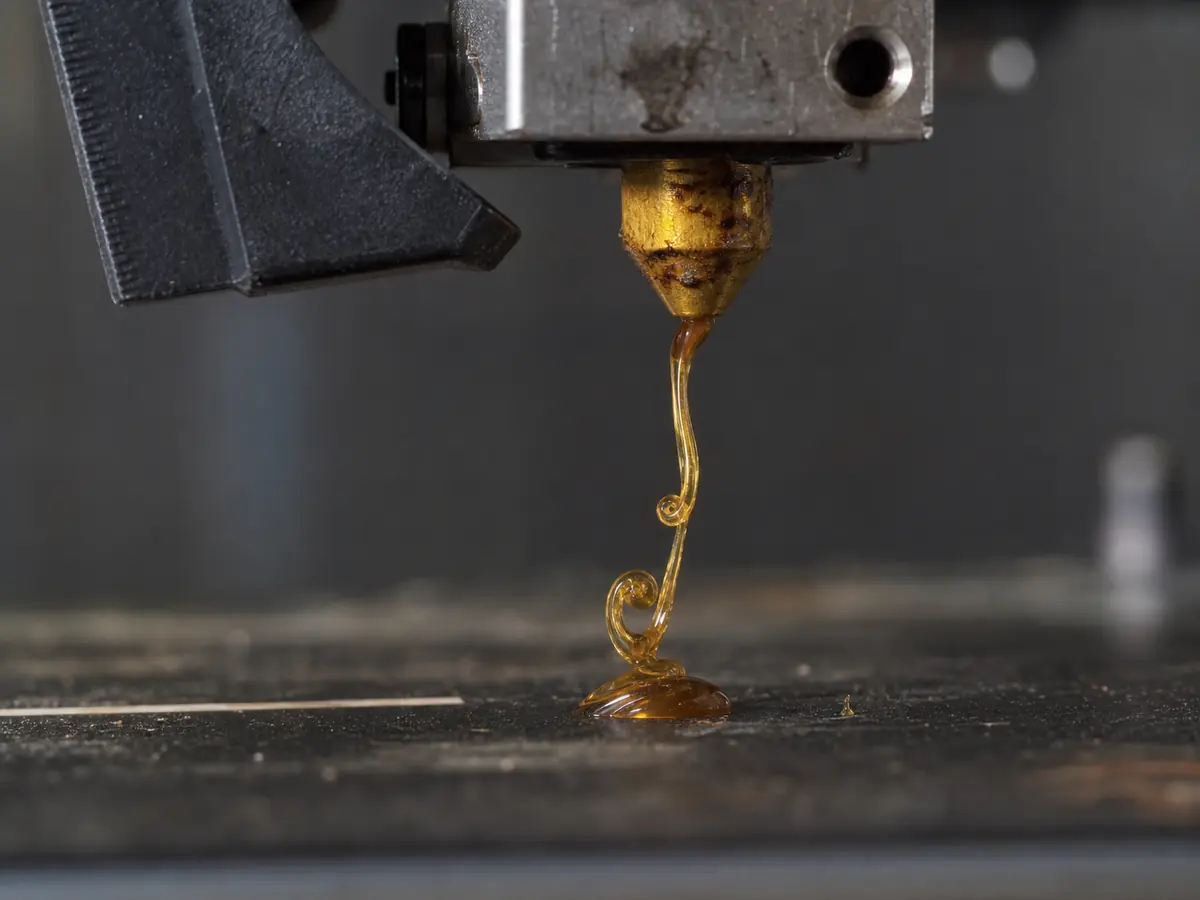
Molten filament leaks from the nozzle before printing or during pauses.
Also searched as: oozing / leaking nozzle / filament dripping
PLAPETGTPU
The visible surface looks uneven, scratched, bumpy, or inconsistent.
Also searched as: rough surface / bad surface finish / uneven walls
PLAPETGTPUABSASA
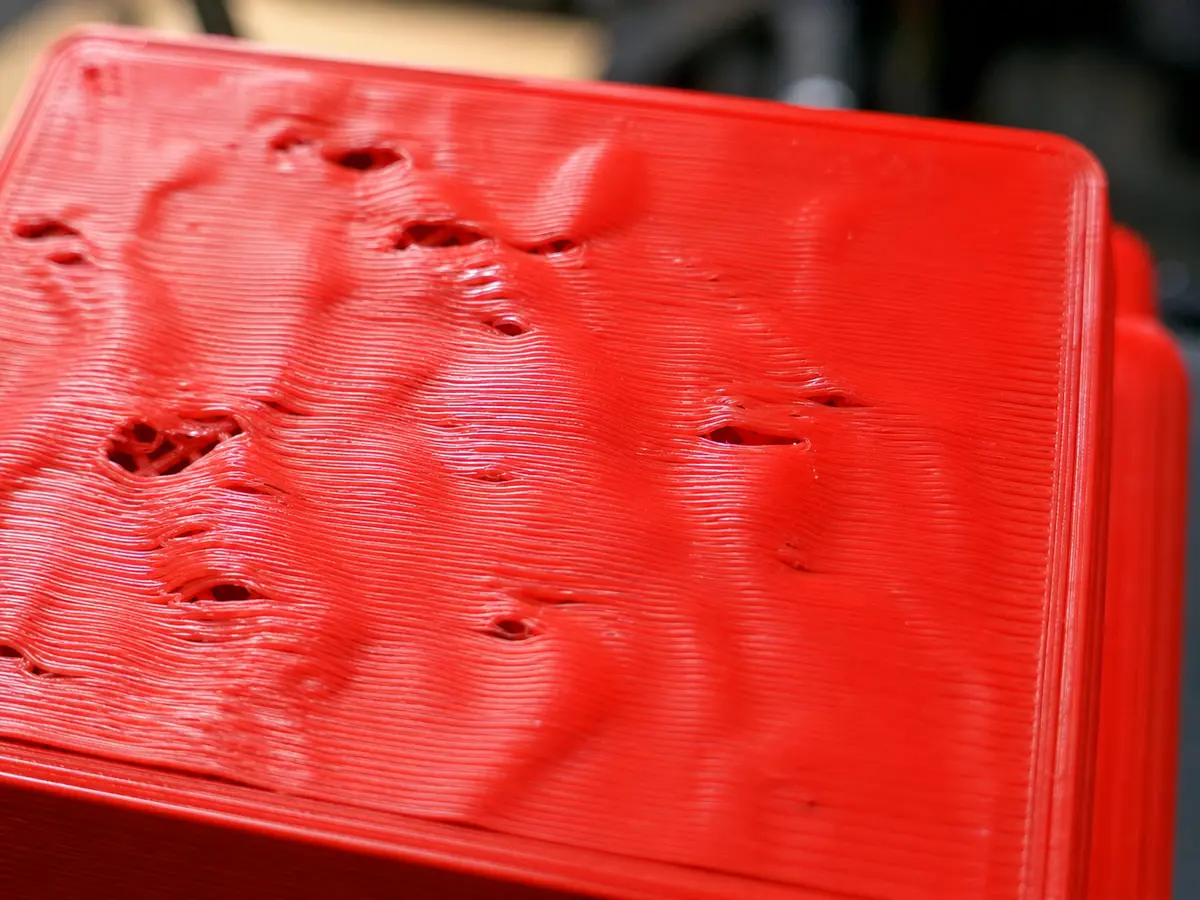
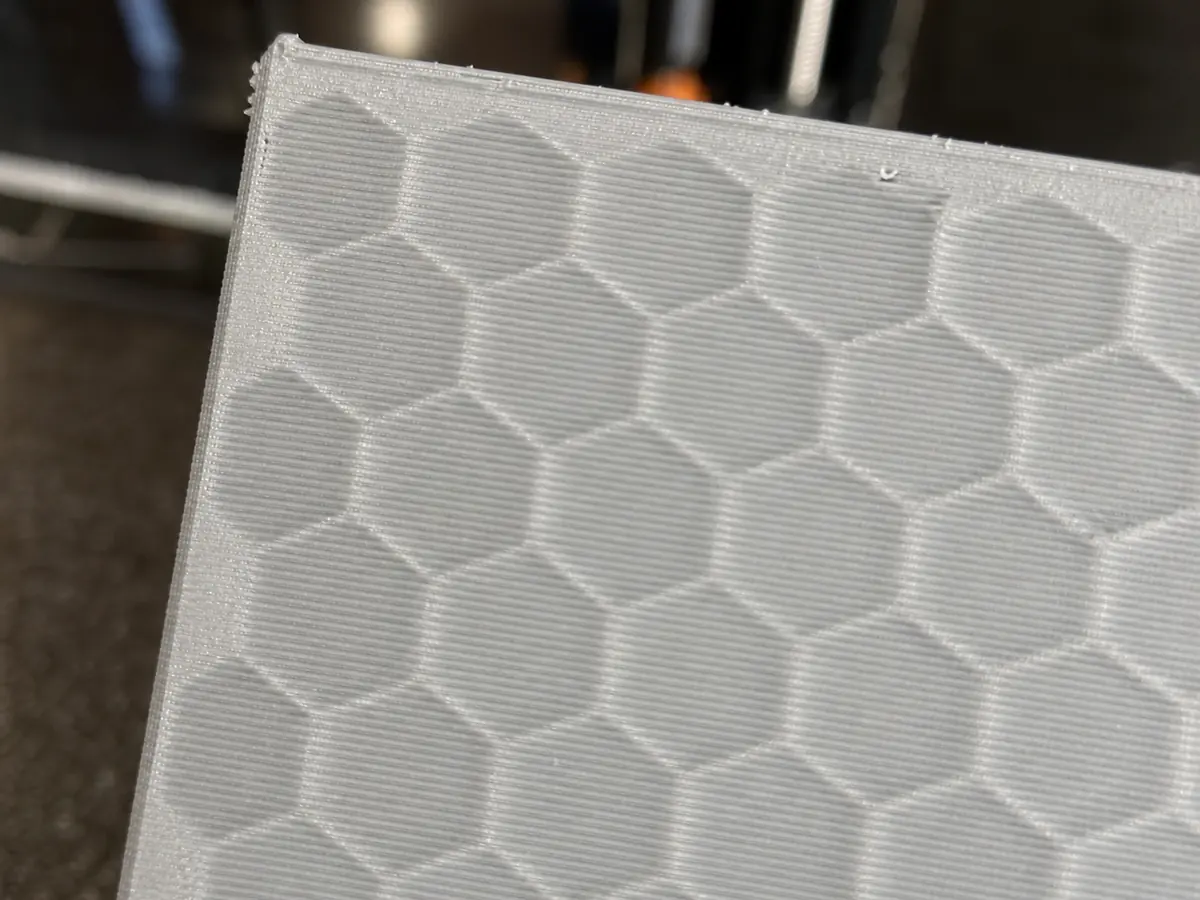
The top surface has small holes, bumps, or gaps where the infill pattern shows through.
Also searched as: pillowing / holes on top / gaps in top layer
PLAPETGABSASA
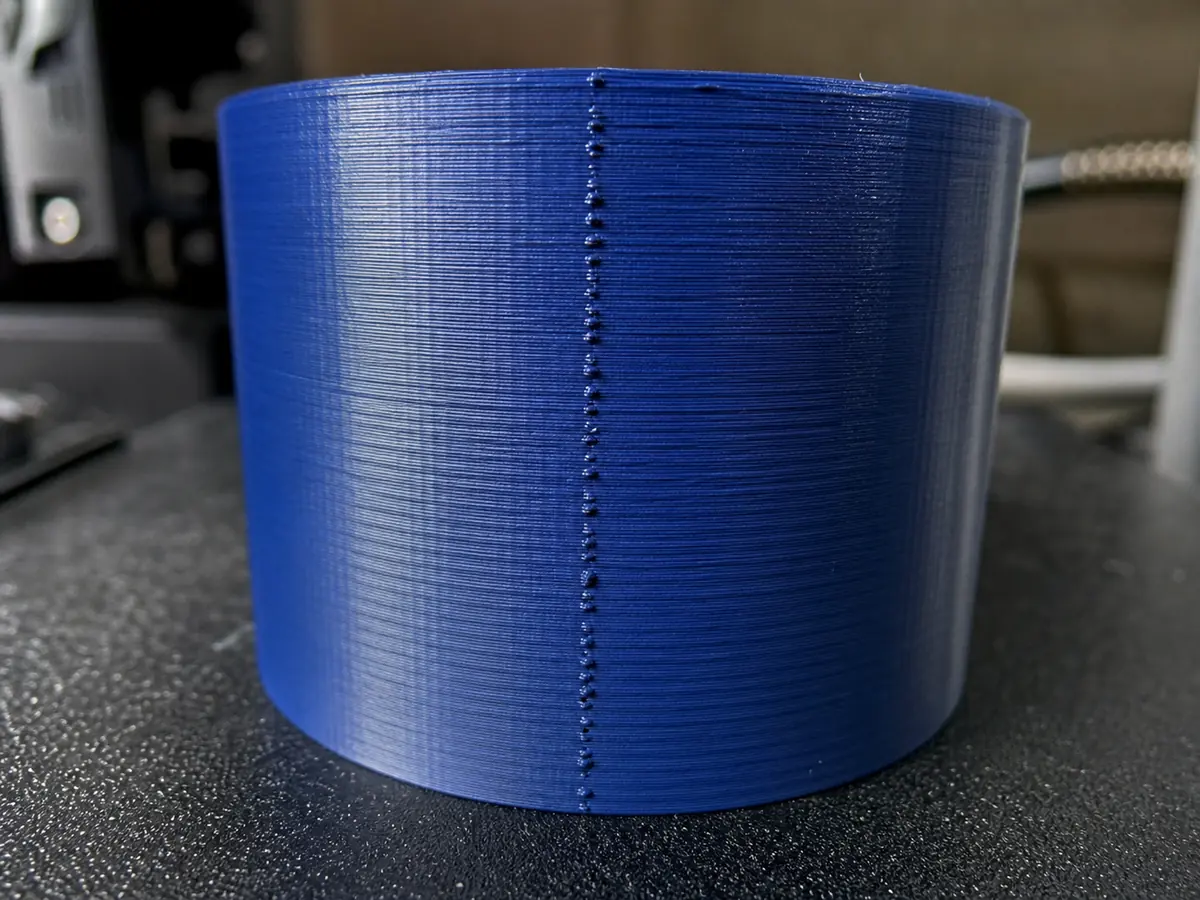
A vertical line of small blobs or marks appears where each layer starts and stops.
Also searched as: z seam / visible seam / vertical scar
PLAPETGTPUABSASA
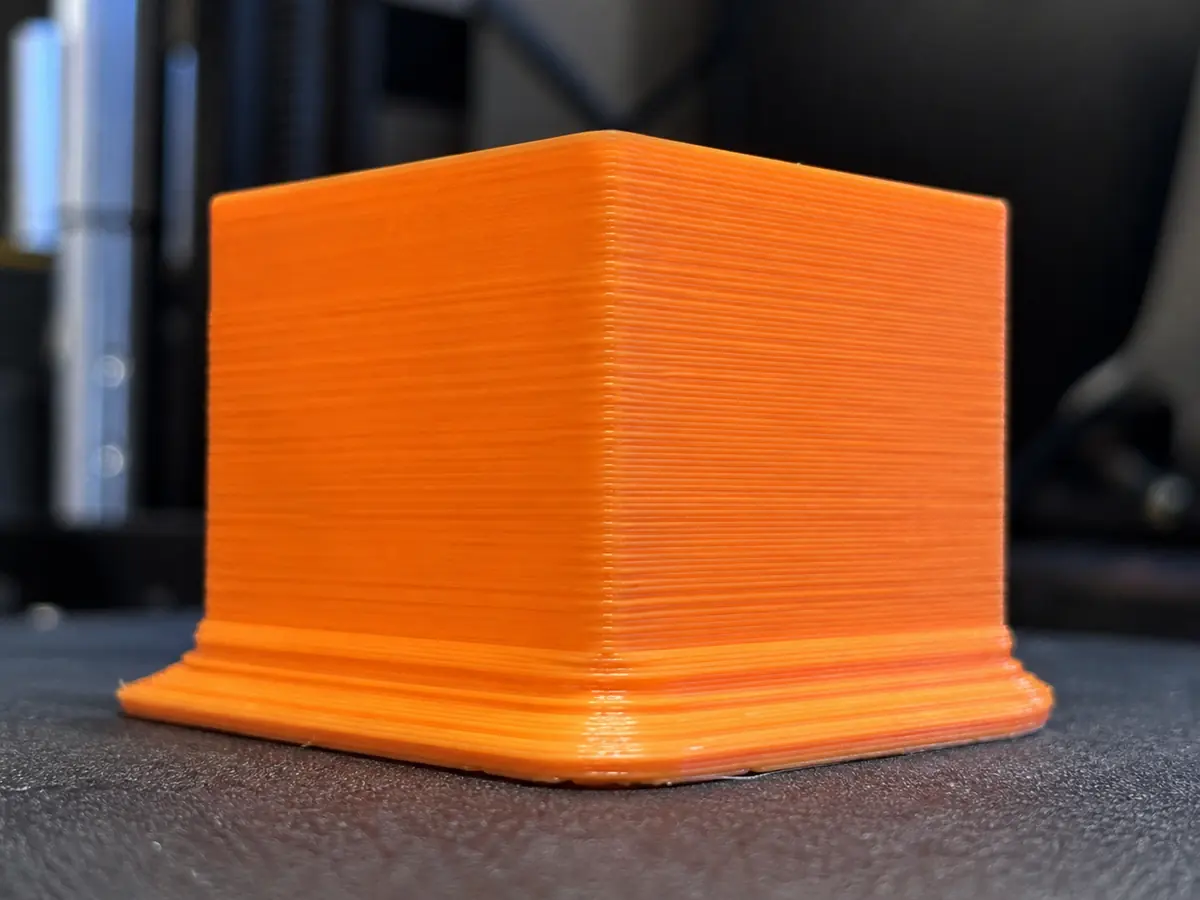
The bottom layers spread outward, making the base wider than the rest of the part.
Also searched as: elephants foot / bottom bulging / wide first layers
PLAPETGABSASA
Supports break, detach, or fail to hold up an overhang during printing.
Also searched as: support failed / support broke / failed support
PLAPETGABSASA
Support material is fused to the model or leaves heavy scars when removed.
Also searched as: supports hard to remove / support stuck / scars after support
PLAPETGABSASA
The infill pattern is visible through outer walls or top surfaces.
Also searched as: infill showing / infill visible / walls too thin
PLAPETGTPUABSASA
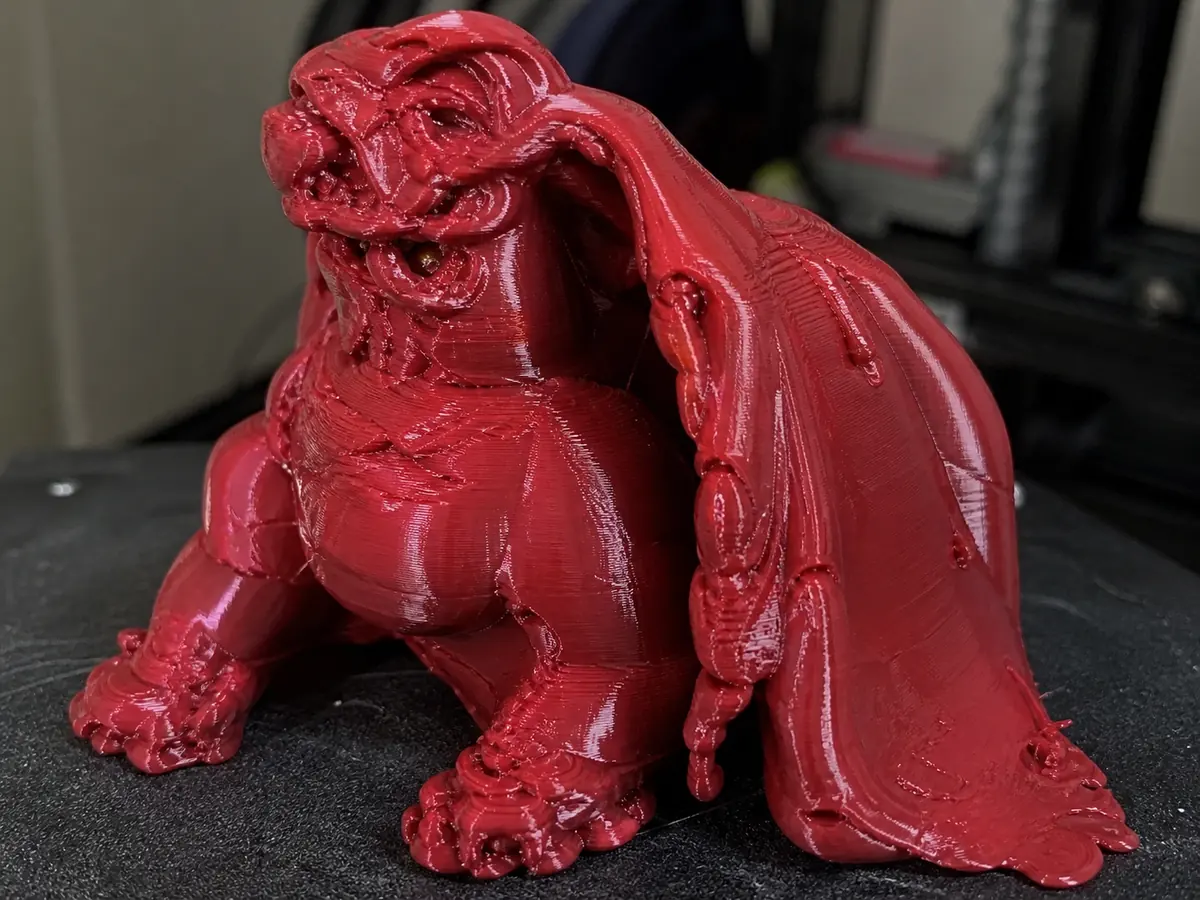
The model bends, melts, sags, or changes shape during or after printing.
Also searched as: model deformation / deformed print / melted print
PLAPETGTPUABSASA
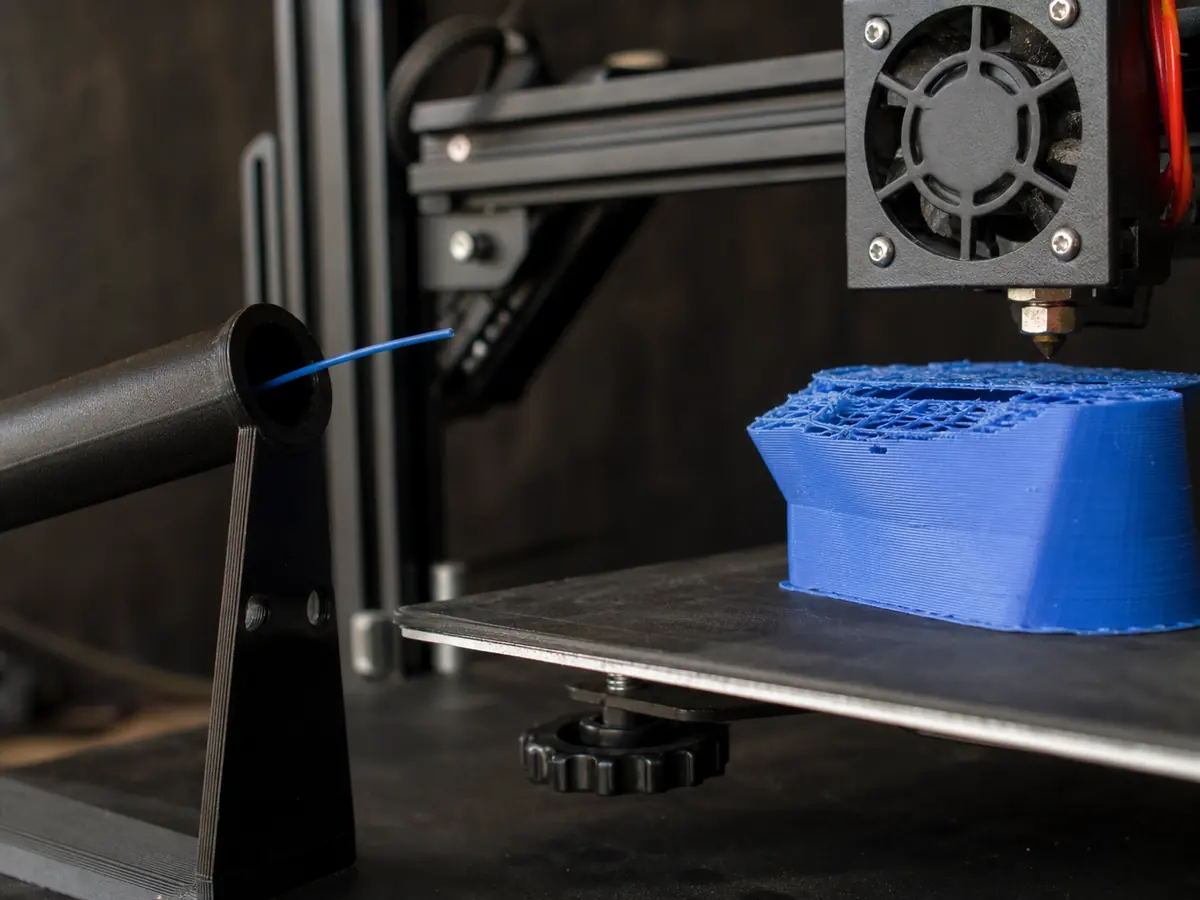
The print stops because the spool runs out, filament breaks, or the extruder can no longer feed material.
Also searched as: filament runout / filament broke / ran out of filament
PLAPETGTPUABSASA